-

All Levels
-

8 Weeks
-

MIT Certification
-

Industry Immersion
-

Capstone Projects
Overview
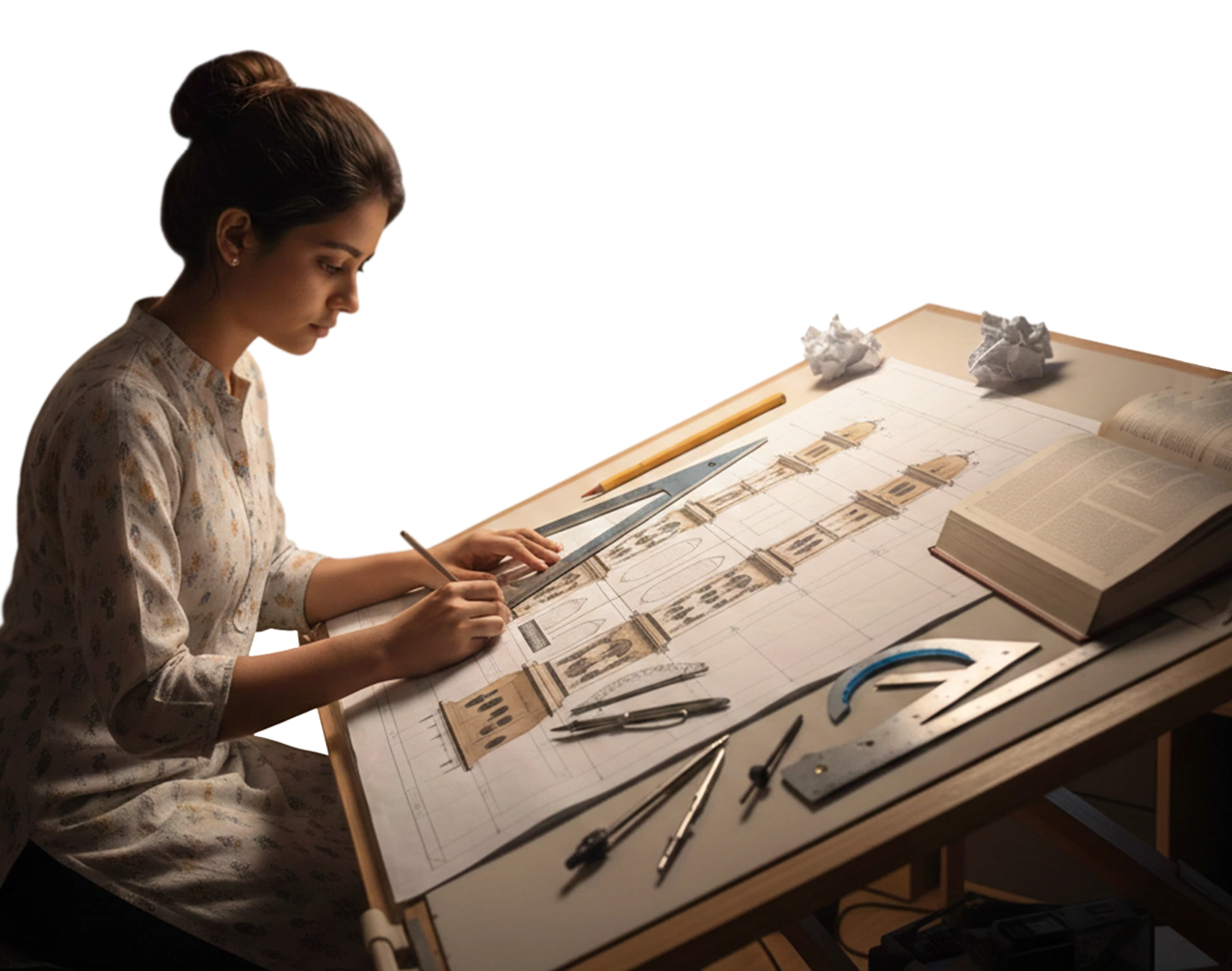
Our Draughtsman Course with AutoCAD Training is specially designed for students who have completed 10th or 12th and want to enter the technical field early. The course provides in-depth knowledge of engineering drawing concepts, drafting standards, and hands-on training in AutoCAD. You will learn how to prepare precise 2D drawings, interpret blueprints, apply dimensioning standards, and work on real-world design projects. This program prepares you for entry-level roles in mechanical, civil, interior, construction industries.
- Mechanical Draughtsman
- CAD Designer
- Mechanical Designer
- Project Engineer
- Manufacturing Draughtsman

Targeted Job
Roles

Training and Methodology
By enrolling in this course, you will gain access to -
 Practical Training - Gain hands-on skills through real-world drafting projects.
- Industry-Focused Projects - Work on assignments based on real industry requirements.
- Personalized Feedback - Receive individual guidance to improve your drafting accuracy and technical knowledge.
- Progress Evaluation - Regular assessments, assignments, and project reviews to track your growth.
Why Choose
This
Course?
Gain a strong foundation in engineering drawing and AutoCAD. This course is perfect for students who want to begin their technical career early and build practical skills that are highly demanded in the job market.
Register Now-

100% Placement Assistance Program
Job placement assistance readiness.
-

Real time projects
Work on projects that simulate industry challenges.
-

Reviews and Feedback
Continuous feedback to ensure progress and improvement.
Sharpen Your Skills with Draughtsman Course & AutoCAD Training
-

Create professional 2D drawings using AutoCAD for precision drafting.
-
Develop detailed drawings using layers, blocks, and templates.
-
Apply orthographic and isometric drawing techniques.
-
Use dimensions and annotations as per industry standards.
-
Interpret engineering drawings and convert design ideas into technical layouts.
-
Coordinate with engineers and production teams to finalize drawings before manufacturing.
The Course Syllabus
The course covers important topics.
2D Drafting
- Introduction to CAD
- 2D Fundamentals
- Preparation of sketches: Lines, Circles, Rectangular
- Dimension Style
- Layer Overview, modifying layer attributes
- Editing & modification of sketches
- Scaling objects, views
- Duplication using mirror, copy, pattern etc
- Dimensioning techniques
- Creating & editing blocks
- Hatch, trim, extend, tables etc
- Use of attributes, Line weight
3D Modeling
- Introduction to 3D
- Extruding and revolving objects
- UCS concept and its use
- Boolean: union, subtract and intersect
- Standard views
Isometric
- Isometric concept
- Need of isometric views
- Isometric exercises
- Dimension
Course Project
- Participants of the course have to Develop 2D drawings of design specifications for mechanical equipment and components to assist in planning and production. Analyze design documents and plans to verify dimensions and materials and coordinate with engineers to resolve any errors.
2D Drafting
- Introduction to CAD
- 2D Fundamentals
- Preparation of sketches: Lines, Circles, Rectangular
- Dimension Style
- Layer Overview, modifying layer attributes
- Editing & modification of sketches
- Scaling objects, views
- Duplication using mirror, copy, pattern etc
- Dimensioning techniques
- Creating & editing blocks
- Hatch, trim, extend, tables etc
- Use of attributes, Line weight
Isometric
- Isometric concept
- Need of isometric views
- Isometric exercises
- Dimension
Course Project
- Participants of the course have to Develop 2D drawings of design specifications for mechanical equipment and components to assist in planning and production. Analyze design documents and plans to verify dimensions and materials and coordinate with engineers to resolve any errors.

Want to
experience
excellence?
Milestone offers complete technical education solutions. Book your free demo session now and take the first step toward building your career after 10th or 12th.
Acces The Free Demo
Recruiters looking for Mechanical Draughtsman Students







Level Up with Draughtsman with AutoCAD Certification
Boost your career opportunities with our Draughtsman Course with AutoCAD Training and earn an industry-recognized certification upon successful completion.
Register Now

Get in touch today
What Our Students Say
-
After researching institutions, I found MIT offers the best CAD/CAM training, and I'm happy with my choice.
Nikita Shelar
-

In MIT, I learned a bunch of in-demand software, which helped me become more versatile in my career.
Swajit
-
I mastered industry-demanded software at MIT, and the personalized training and guidance were invaluable.
Nikita Akhade

Frequently Asked Questions
Find answers to common questions about our Draughtsman Course with AutoCAD Training and explore how this course can help you build a technical career after 10th or 12th.
-
Who can join this Draughtsman course with AutoCAD Training?


Students who have completed 10th or 12th from any stream can enroll. No prior technical experience is required.
-
What software will I learn in this course?
You will receive hands-on training in AutoCAD along with essential drafting tools and standards.
-
Is this course suitable after 10th?
Yes, this course is specially designed for students who want to start a technical career immediately after 10th or 12th.
-
Will I receive a certificate after completion?
Yes, you will receive a recognized certification after successfully completing the course.
-
Is placement support available?
Yes, we provide placement assistance to help you secure job opportunities in drafting, design, and manufacturing industries.
to a whole new level?
 Chat with us